
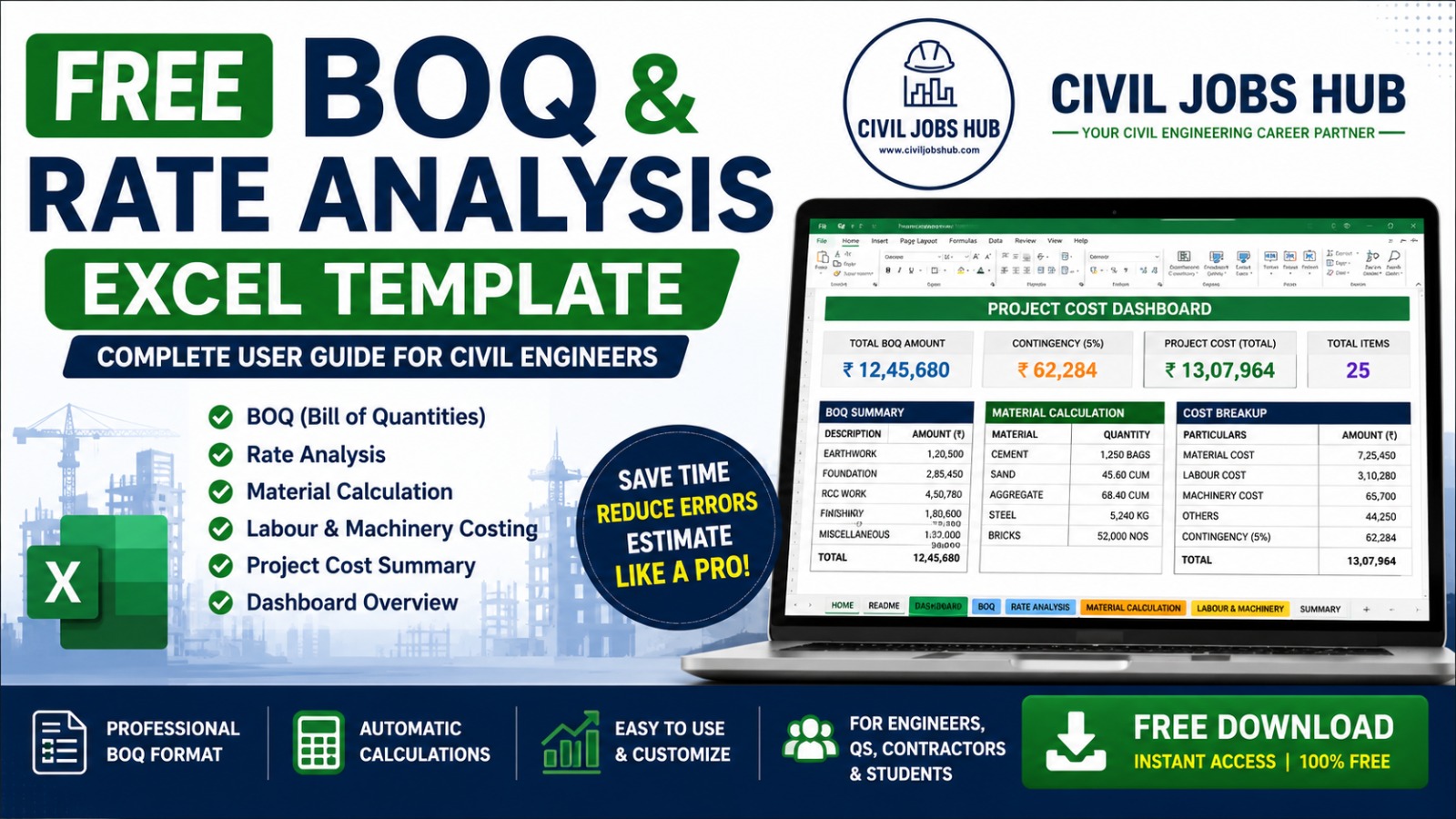
Free BOQ & Rate Analysis Excel Template (2026) – Download & Complete User Guide
Accurate estimation is the foundation of every successful construction project. Whether you're preparing a quotation, submitting a tender, estimating quantities, or managing project costs, having a professional BOQ (Bill of Quantities) and Rate Analysis Excel Template can save hours of manual work and significantly reduce calculation errors.
To help Civil Engineers, Quantity Surveyors, Site Engineers, Contractors and Engineering Students, Civil Jobs Hub has developed the CJH Engineering Toolkit, a FREE Excel workbook that simplifies construction estimation through automated calculations and organized worksheets.
📥 Download Free BOQ & Rate Analysis Excel Template
Download the latest CJH Engineering Toolkit completely FREE.
Google Sheets: File → Make a Copy
Microsoft Excel: File → Download → Microsoft Excel (.xlsx)
What is a BOQ?
A Bill of Quantities (BOQ) is a detailed document listing every construction activity together with quantities, units, rates and total amounts. BOQs are widely used for project estimation, budgeting, contractor billing and tender preparation.
What's Included in the CJH Engineering Toolkit?
- 🏠 Home
- 📖 README
- 📊 Dashboard
- 📋 BOQ (Bill of Quantities)
- 💰 Rate Analysis
- 🧱 Material Calculation
- 👷 Labour & Machinery Costing
- 📑 Project Cost Summary
Workbook Features
BOQ Sheet
- Item Description
- Unit
- Quantity
- Rate
- Amount
- Remarks
Automatically calculates total BOQ amount.
Rate Analysis
- Material Cost
- Labour Cost
- Equipment Cost
- Transportation
- Overheads
- Contractor Profit
Material Calculation
Estimate quantities of:
- Cement
- Sand
- Aggregate
- Steel
- Bricks
Labour & Machinery Costing
- Worker Category
- Daily Wage
- Working Days
- Total Labour Cost
Dashboard
Instant overview of:
- Total BOQ Amount
- Material Cost
- Labour Cost
- Project Cost
- Grand Total
How to Use the Excel Workbook
- Download the workbook.
- Open in Microsoft Excel or Google Sheets.
- Read the README sheet.
- Complete the BOQ worksheet.
- Update Rate Analysis.
- Calculate Material Quantities.
- Update Labour Costing.
- Review Dashboard and Project Summary.
Who Can Use This Template?
- Civil Engineers
- Site Engineers
- Quantity Surveyors
- Billing Engineers
- Estimation Engineers
- Project Engineers
- Contractors
- Construction Companies
- Diploma Students
- B.Tech Civil Students
Benefits
- ✅ Professional BOQ Format
- ✅ Automatic Calculations
- ✅ Beginner Friendly
- ✅ Easy to Customize
- ✅ Saves Time
- ✅ Reduces Manual Errors
- ✅ Works in Microsoft Excel
- ✅ Works in Google Sheets
- ✅ Reusable for Multiple Projects
Professional Tips
- Always verify market rates.
- Check quantities using approved drawings.
- Update labour rates regularly.
- Include contingencies.
- Review calculations before submitting quotations.
🚀 Start Estimating Like a Professional
Download the FREE Civil Jobs Hub Engineering Toolkit today.
Frequently Asked Questions
Is this template free?
Yes. Civil Jobs Hub provides it free for learning and professional use.
Can I use it in Google Sheets?
Yes. Simply make a copy to your Google Drive.
Can I download it as Excel?
Yes. Use File → Download → Microsoft Excel (.xlsx).
Can contractors use this workbook?
Yes. It is suitable for project estimation, budgeting and tender preparation.
Explore More Resources
Visit Civil Jobs Hub for Civil Engineering Interview Questions, Estimation Guides, Salary Insights, HR Verified Jobs and many more FREE Engineering Resources.